
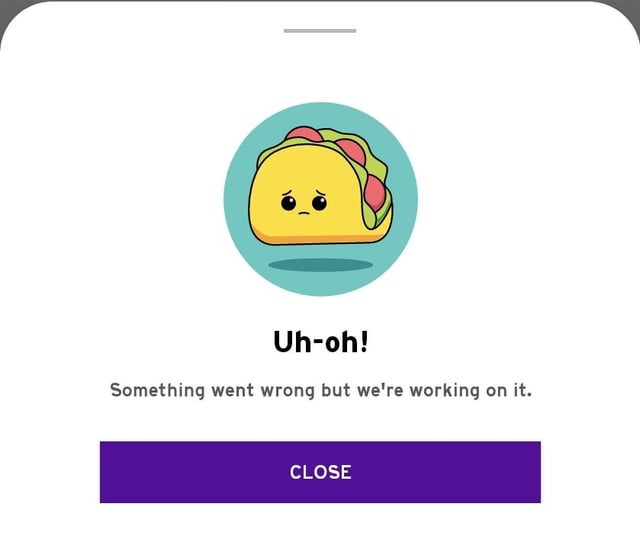
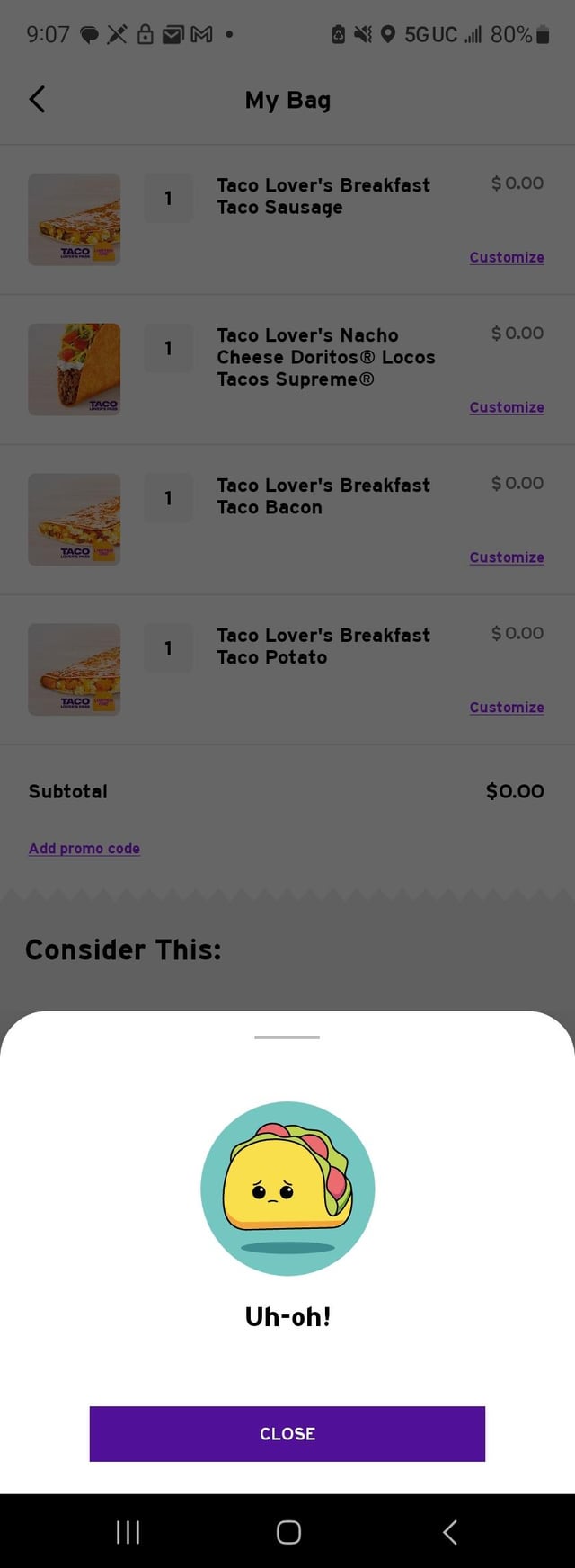
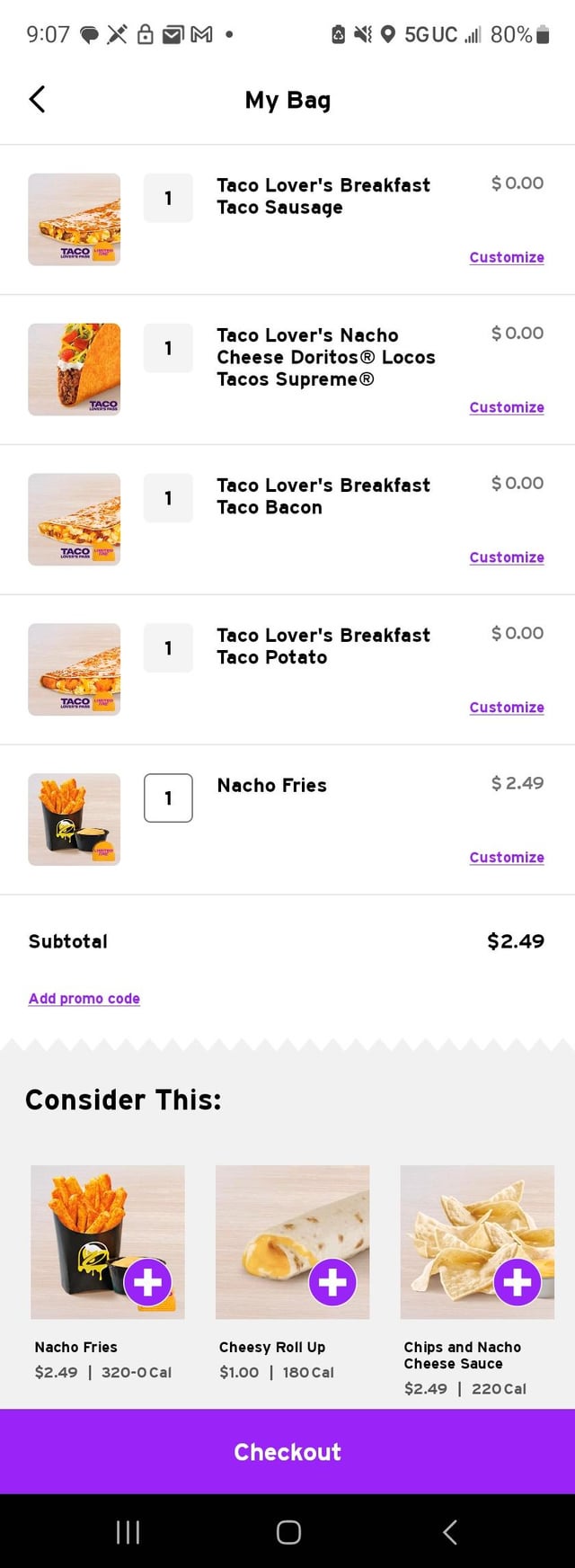
I’ve uninstalled the app & reinstalled & no luck. I can’t empty my cart. The number of item is grayed out & can’t be adjusted to zero/removed. I can’t redeem fire rewards outside the app so while the website only works when my app is not installed, I can’t grab my free quesadilla. I tried swapping out my breakfast taco since I thought the initial UH OH error was them being out of it when i tried to check out. Attempts at swapping have now contaminated my cart with 4x the taco pass tacos. I just want a breakfast crunchwrap combo & free quesadilla. I can’t remove 1 taco pass taco let alone 4. I can’t check out without removing the bugged taco pass items in my cart. How can I clear my app cart???
Image 1: UH OH with flavor text.
Image 2: 4 taco passes, swapping just added more make it stop! Uh oh error bad enough it lost flavor text
Image 3: showing the difference between the grayed out qty of a taco pass item vs reg menu item which is easily removed
by Meguwubie
6 Comments
Additionally my app shows drinks are $1 outside of happy hour but jump to full price at final check out screen. During happy hour medium drinks appear at full price on menu & don’t drop to $1 at any point. Also cart always shows lg drinks even if you select medium or small, doesn’t matter it always adds a lg to cart. This has been ongoing so I never get drinks outside of combos anymore.
Did you try swiping left on the tacos to remove them?
I had this issue. Try clearing the app cache. After that you should be able to swipe them off. Taco Bell support is the worst in the Industry, I had to dig for this fix myself.
At least the lil taco guy is cute.
This happened to me and I changed quantities to zero.
i hate that it lets you add stuff to the cart you cant buy